Small shortcuts. Complete replies.
See how a shortcut becomes a saved reply, learn the default Space trigger, and choose search or Copy when direct expansion is unavailable.

Save plain or formatted snippets, personalize with fields, find the right words, and keep an independent copy.
A short reply does not need a complex template. Save a plain sentence first, then add fields when changing details become repetitive. Rich text supports paragraphs, lists, emphasis, and safe links; it is not a layout tool for images, tables, or embedded media.
The four workflows below explain what each capability does, when to use it, and where its limits matter. All operate in your local browser library, without an account or paid tier.
See how a shortcut becomes a saved reply, learn the default Space trigger, and choose search or Copy when direct expansion is unavailable.
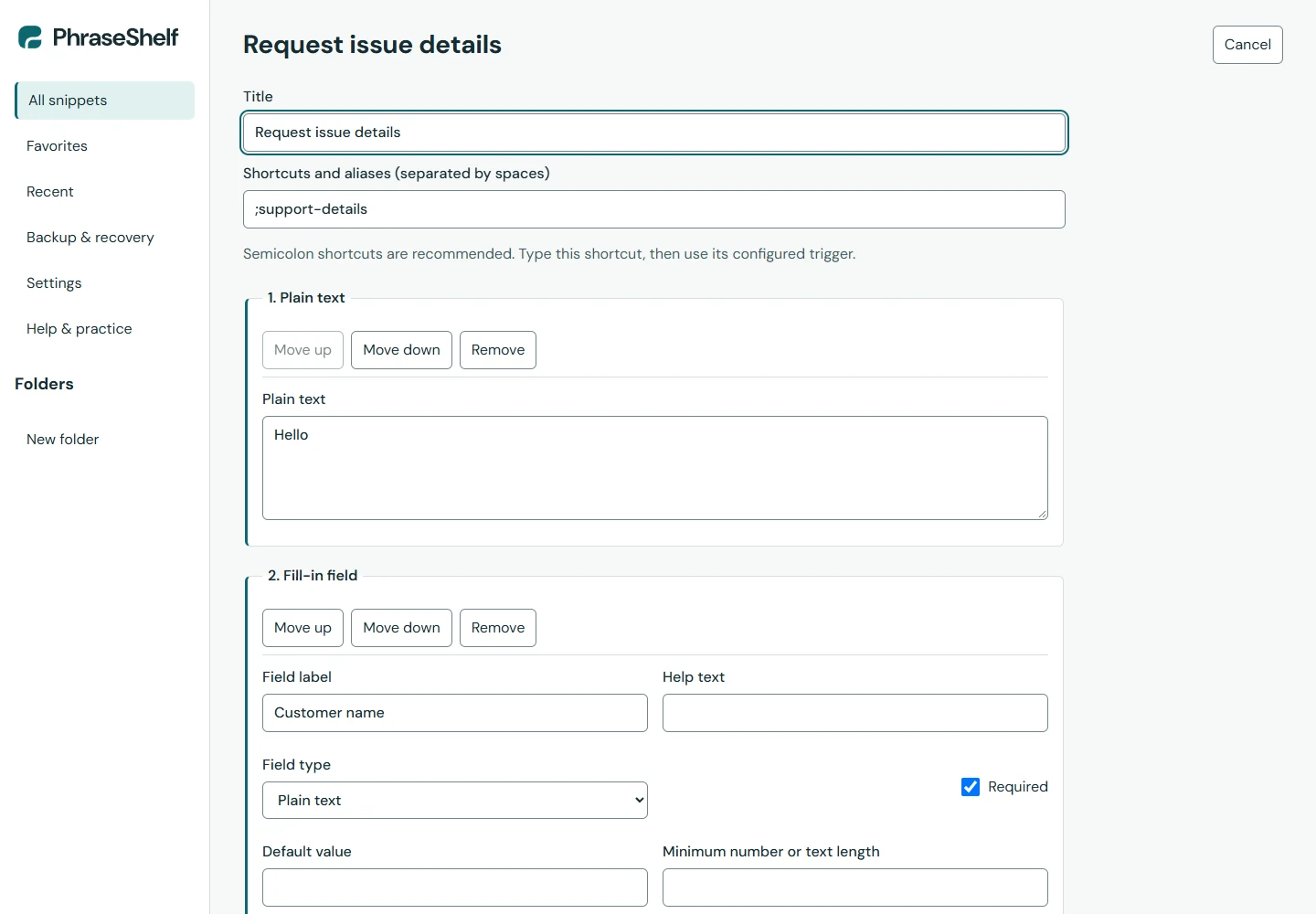
Build a reply with name and topic fields, preview realistic answers, and reuse a signature block without maintaining duplicate text.
Find saved replies by purpose, folder or tag. Use favorites and the search palette, then review outdated snippets without losing a useful source.
Choose a full JSON backup, a selected pack or readable Markdown. Learn what encrypted exports protect and how to check a restore preview.