Back up and restore your library
Create an independent file before a major edit, import, update, or browser change. Preview a restore before committing it.

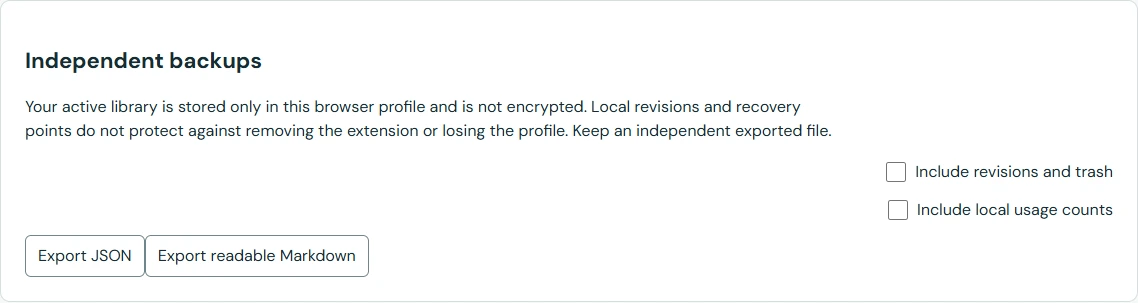
Choose the right export for restoration, readable reference, or moving a selection. Keep a copy outside your browser profile.
A PhraseShelf JSON backup preserves the structured library for restoration. A selected pack can carry chosen snippets and their reusable-block dependencies. Markdown export is a readable reference, not a full-fidelity restore format.
CSV and flat JSON are import routes for mapped text records. They do not provide verified one-click migration of a competitor’s fields, automation, or rich templates.
You can protect a backup with a password. The encrypted export uses authenticated encryption; a wrong password or altered file produces an error rather than a partial import. Keep the password safely: there is no recovery service.
The active library remains unencrypted. Encryption does not hide text from a website where you deliberately insert it. It also does not automatically schedule or upload backups.
Revisions can recover an earlier snippet, and trash can recover a deleted item before permanent deletion. Recovery points help with local import mistakes. These copies all remain in the same browser profile.
Export before a major change, save the file independently, and preview a restore to check it. If the device or profile disappears, a copy stored only inside it disappears too.
Moving to another browser profile? Export JSON, keep the file outside the profile, and preview it in the destination before replacing anything. Sharing a few of your own generic replies? Use a selected pack and review its dependencies and private defaults. Need a readable reference? Export Markdown, while keeping a JSON backup separately.